

Install on Windows
- Download the installer using one of the Windows buttons above (
IconGenerator-Free.exeorIconGenerator-Free-32-bit.exe). - Run the installer and confirm the UAC prompt if Windows asks for permission.
- Complete setup by following the installation wizard.
- Launch IconGenerator from the Start menu.
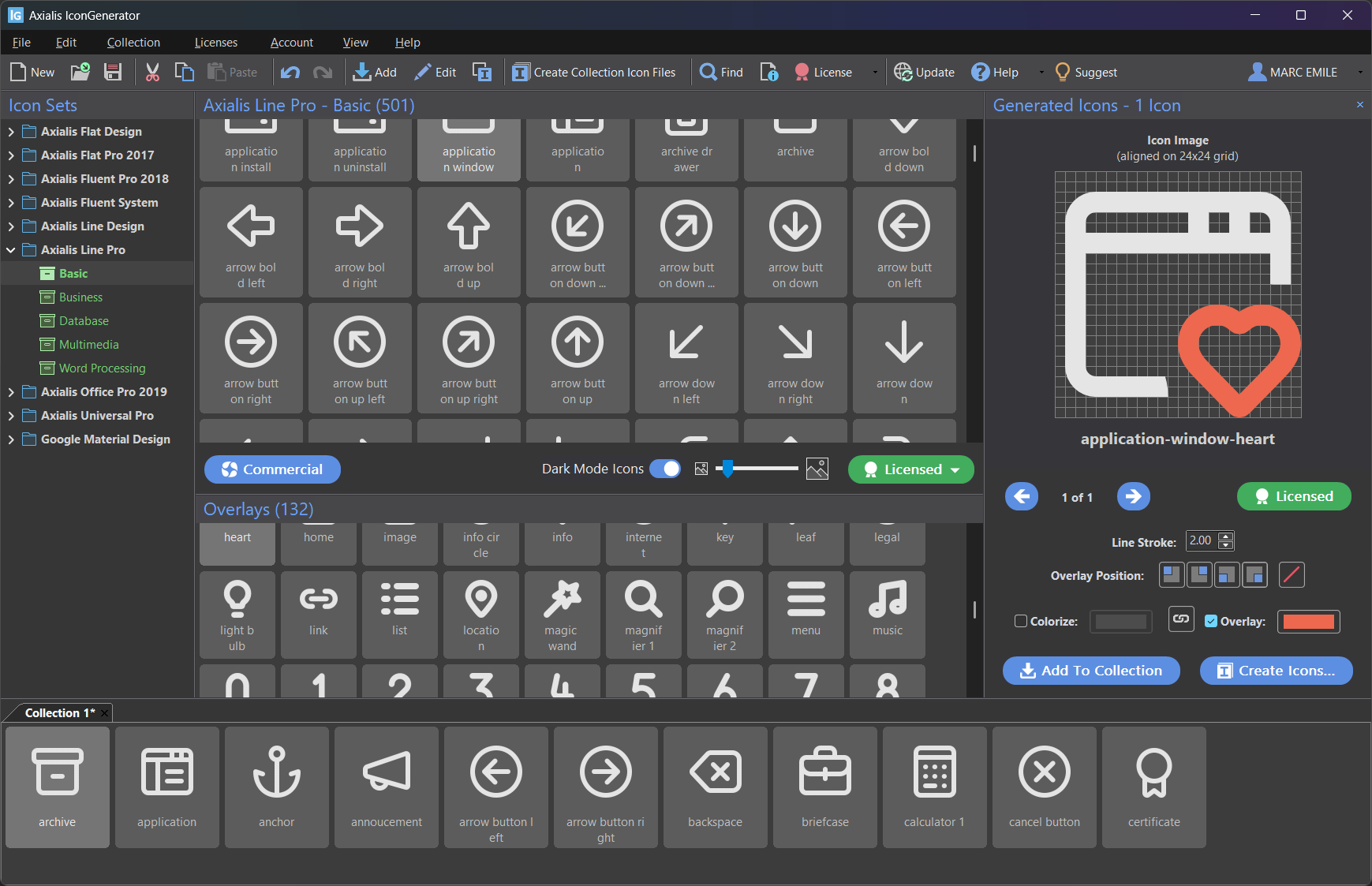
- Start producing icons: select a set, choose icons/overlays, then export with
F3.